In this announcement
- Why Accessibility Matters to Us
- What We Have Done
- Accessible Ways to Contact Us
- Accommodations During Your Case
- Tips for Using Our Website With Assistive Technology
- Accessibility for People Recovering From New Injuries
- Accessibility and Personal Injury Claims
- An Ongoing Commitment
- Feedback and Assistance
- Frequently Asked Questions
- Accessibility in the Legal System
- Why We Measure Ourselves
- Key Takeaways
- Contact Us
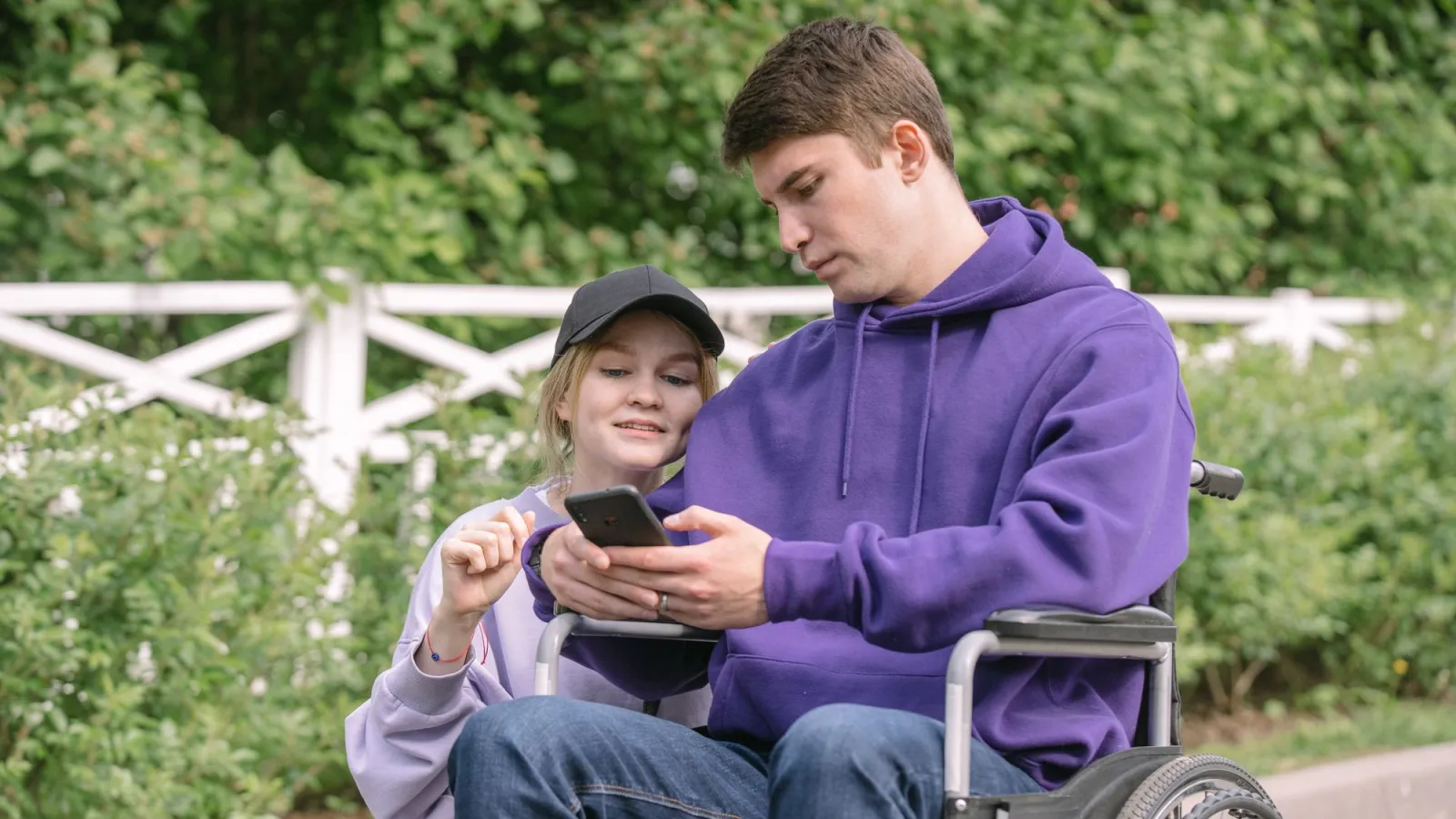
Many of the people who need a personal injury lawyer are living with disabilities. Some have lived with a disability for years. Others are living with new limitations caused by the very injuries they are seeking help for — a spinal cord injury that affects movement, a traumatic brain injury that affects concentration and reading, vision loss after a crash, or chronic pain that makes using a computer difficult.
For these people, a website that is hard to use is not just an inconvenience. It can be a barrier to getting help. That is why accessibility was a core requirement when we built our new website. This announcement explains our commitment, what we have done, and how to get assistance if you encounter any barriers.
Why Accessibility Matters to Us
Accessibility is about respect and equal access. People with disabilities should be able to learn about their rights, read our guides, and contact our team as easily as anyone else. As a firm that represents people with serious injuries, we see every day how disabilities affect daily life — and how much barriers matter.
Accessibility also benefits everyone. Clear structure, readable text, good contrast and simple forms make a website easier for all visitors, including older adults, people using phones in bright sunlight, people with temporary injuries, and people who are stressed or in pain.
What We Have Done
Designed to Recognized Guidelines
We designed our website with reference to the Web Content Accessibility Guidelines (WCAG), the internationally recognized standards for web accessibility. These guidelines address how content is perceived, operated, understood and interpreted by assistive technologies.
Keyboard Navigation
Every part of our website can be used with a keyboard alone, without a mouse. This is essential for people who cannot use a mouse because of motor impairments, and for people who use screen readers. Visible focus indicators show where you are on the page as you move through it, and a "skip to content" link allows keyboard users to bypass repeated navigation.
Screen Reader Support
We use proper page structure — headings, landmarks, lists and labels — so that screen readers can describe pages accurately and users can navigate efficiently. Images that convey information include text alternatives. Forms include labels and clear error messages. Menus, dropdowns and expandable sections announce their state to assistive technology.
Color Contrast
Text and important interface elements are designed to meet contrast requirements so that they can be read by people with low vision or color vision deficiencies. Information is not conveyed by color alone.
Readable Text and Zoom
Text can be enlarged using browser zoom without breaking the layout or requiring horizontal scrolling. Our pages use clear typography and generous spacing.
Large Touch Targets
On phones and tablets, buttons and links are sized to be easy to tap, which helps people with limited dexterity, tremors or other motor impairments.
Reduced Motion
Some people experience dizziness, nausea or distraction from animations. Our website respects the "reduce motion" setting available on most devices, minimizing animations for people who prefer less movement.
Plain Language
We write in plain language and organize content with clear headings, short paragraphs and lists. Legal concepts are explained without unnecessary jargon. This helps people with cognitive disabilities, people with brain injuries, people reading in a second language, and everyone else.
Mobile Access
Many people use phones as their primary way to access the internet. Our website was designed mobile-first, so every page and every form works on small screens.
Testing
We tested our website with automated accessibility tools and manual checks, including keyboard-only navigation and testing on multiple browsers and devices. Automated tests catch many issues but not all, so we combine them with human review.
Accessible Ways to Contact Us
We offer several ways to reach our team so that everyone can choose the method that works best:
- Online forms designed for keyboard and screen reader users
- Online video meetings, with accommodations such as captions or extra time available on request
- Written communication through our contact form
- Spanish-language consultations
If none of these methods works for you, let us know, and we will find an alternative.
Accommodations During Your Case
Accessibility does not end with our website. If you become a client, we will work with you to provide reasonable accommodations, such as:
- Meeting by video or at an accessible location
- Allowing extra time for meetings and decisions
- Providing documents in formats that work for you, such as larger print or electronic formats compatible with screen readers
- Communicating in writing if spoken conversations are difficult
- Including a trusted family member or caregiver in meetings, with your permission
- Scheduling meetings at times that work around medical treatment and fatigue
Clients with traumatic brain injuries, for example, may benefit from written summaries after meetings, shorter meetings, and reminders of upcoming tasks. We tailor our approach to each client's needs.
Tips for Using Our Website With Assistive Technology
Screen Readers
Our pages use headings in a logical order, so you can use your screen reader's heading navigation to jump between sections. Practice area pages include an "On this page" list of sections, and each section heading is a navigation landmark. Expandable content — such as frequently asked questions and "show all" lists — announces whether it is expanded or collapsed.
Keyboard Users
Press Tab to move through links and controls and Shift+Tab to move backward. Use Enter to activate links and buttons, and Space or Enter to open and close expandable sections. The main menu's "News & Insights" dropdown opens with Enter or Space and closes with Escape. On our Practice Areas page, you can tab into the search box and type to filter case types.
Zoom and Magnification
Use your browser's zoom (Ctrl and plus on Windows, Command and plus on Mac) to enlarge text. Our layout adapts to larger text sizes without requiring sideways scrolling.
Voice Control
Because buttons and links have visible text labels that match their accessible names, voice control software can activate them by speaking the visible label, such as "click Free Case Review."
Reading Difficulties and Brain Injuries
People recovering from brain injuries often find long pages tiring. Our practice area pages begin with a "Key Takeaways" box summarizing the most important points, and every article ends with a list of key takeaways. You can read the summary first and return to details later. Browser reading modes and text-to-speech features can also help.
Accessibility for People Recovering From New Injuries
Many people visiting our website are dealing with a new disability for the first time — learning to use a phone with one hand after a shoulder injury, reading with blurred vision after a concussion, or navigating with a screen reader for the first time after an eye injury. If that describes you, please know that you do not need to struggle through a website to get help. Contact us in whatever way is easiest, and we will take it from there. A family member can also contact us on your behalf with your permission.
Accessibility and Personal Injury Claims
For people whose injuries have caused a disability, accessibility is often part of the claim itself. A personal injury claim may include compensation for:
- Home modifications, such as ramps, wider doorways and accessible bathrooms
- Vehicle modifications and adaptive driving equipment
- Assistive technology, such as mobility devices, communication devices and screen readers
- Ongoing therapy and rehabilitation
- In-home care and assistance
- Vocational rehabilitation and retraining
Documenting these needs, often with help from life care planners and occupational therapists, is an important part of seeking full compensation for a life-changing injury.
An Ongoing Commitment
Accessibility is an ongoing effort, not a one-time project. Websites change, technology evolves, and new content is added regularly. We will continue to:
- Review new content for accessibility before publishing
- Test our website periodically
- Respond to feedback from visitors
- Update our practices as standards evolve
Feedback and Assistance
If you encounter an accessibility barrier on our website, we want to know. Please contact us through our contact form or any other method that works for you. Let us know:
- The page or feature you were trying to use
- The problem you encountered
- The assistive technology or browser you were using, if any
- How we can best reach you
We will work to address the issue and, in the meantime, provide the information or service you need through an alternative method.
Frequently Asked Questions
Can I request documents in large print or another format?
Yes. Let us know what format works best for you.
Can I bring someone to help me during a consultation?
Yes, with your permission, a family member or caregiver can participate.
What if I have trouble using a form on your website?
Contact us using another method, and we will help you directly.
Do you consider disability-related needs when valuing a claim?
Yes. When an injury causes a disability, home and vehicle modifications, assistive technology and ongoing care may be part of the claim.
Is your client portal accessible?
The portal is designed to work with keyboards, screen readers and mobile devices. If you have difficulty, we will provide an alternative way to share documents and receive updates.
Can I request captions during a video meeting?
Yes. Let us know when scheduling, and we will arrange captioning or another accommodation that works for you.
Do I need to explain my disability to request an accommodation?
No. You only need to tell us what would help — for example, larger print, written summaries, extra time or a video meeting instead of an office visit. We will work with you to provide it, and we will keep any information you choose to share confidential.
Accessibility in the Legal System
Access to justice depends on access to the legal system itself. Courts generally provide accommodations for people with disabilities, such as accessible courtrooms, assistive listening devices, sign language interpreters and modified schedules. If you are a client and your case requires court appearances, depositions or mediation, we will help request appropriate accommodations in advance. Depositions can often be scheduled with breaks, held remotely, or arranged at accessible locations. Your participation in your own case should never be limited by a disability.
Why We Measure Ourselves
Accessibility claims are easy to make and harder to deliver. That is why we tested our website during development using industry-standard automated audits as well as hands-on testing with keyboards and different devices, and we continue to monitor it as content changes. We would rather hear about a problem from a visitor than have someone silently give up trying to reach us. Feedback from people who rely on assistive technology is especially valuable, and we welcome it.
Key Takeaways
- Our website was designed with reference to recognized accessibility guidelines.
- It supports keyboard navigation, screen readers, zoom, contrast requirements and reduced motion.
- Multiple contact methods and accommodations are available.
- Clients can request accommodations throughout their case.
- If you encounter a barrier, tell us — we will help through an alternative method.
Contact Us
If you or someone you love has been injured, we are here to help — in the way that works best for you. Whether you prefer a video meeting with captions, written communication, a phone call, or a meeting with a family member present, we will adapt to your needs rather than asking you to adapt to ours. You should never have to choose between your health and your legal rights, and you should never be shut out of help because a website or office was not designed with you in mind. Accessibility is not a feature we added at the end; it is part of how we believe every client should be treated, from the first visit to our website through the final resolution of a case. Contact us for a free, confidential consultation. You pay no attorney fee unless we recover compensation for you.
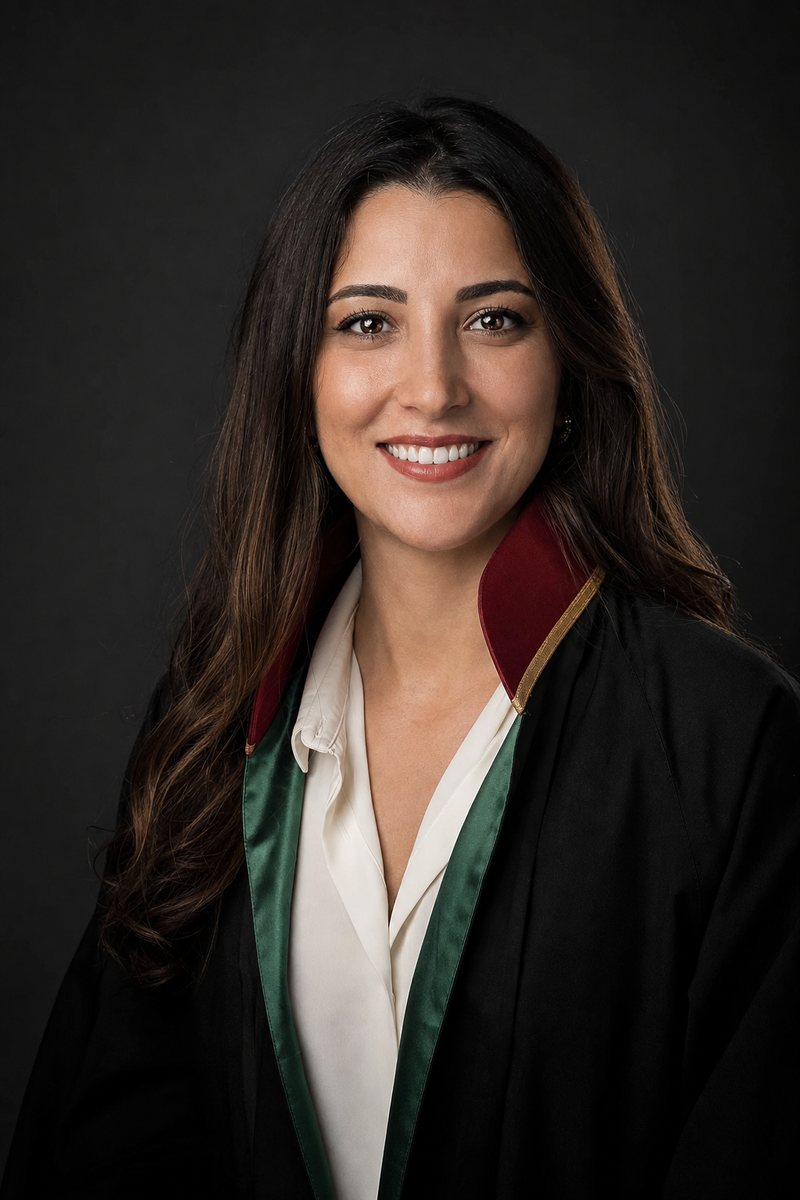
Rachel Brooks is a Senior Associate at Personal Injury Lawyer Pro who concentrates on Catastrophic Injuries — traumatic brain injuries, spinal cord injuries and paralysis, severe burns and amputations.
View ProfileRelated Announcements

Introducing Our New Website and Personal Injury Resource Library
Our new website brings together 28 practice areas, more than 400 case-type guides, and plain-language resources on injuries and compensation — designed to help injured people find clear answers quickly.

Our Commitment: Free Case Reviews and No Attorney Fee Unless We Recover Compensation for You
Every injured person deserves access to legal help regardless of their finances. We explain our free case review process, how our contingency fee works, and what you can expect when you contact us.

Online Video Consultations Are Now Available — Meet With Our Team From Anywhere
Injured people should not have to travel to get legal help. You can now schedule a free, confidential video consultation with our team from your phone or computer. Here is how it works and how to prepare.